In plans ProBusinessWhite Label
Your company on the proposal
Fill in your company details once and every proposal goes out in your name: with your logo, payment details and contact buttons.
Ground frame designer
Design the ground frame for your solar plant
Solispec picks the profiles and posts, checks the frame against snow and wind to the DBN and prices it down to the last bolt.
What it is
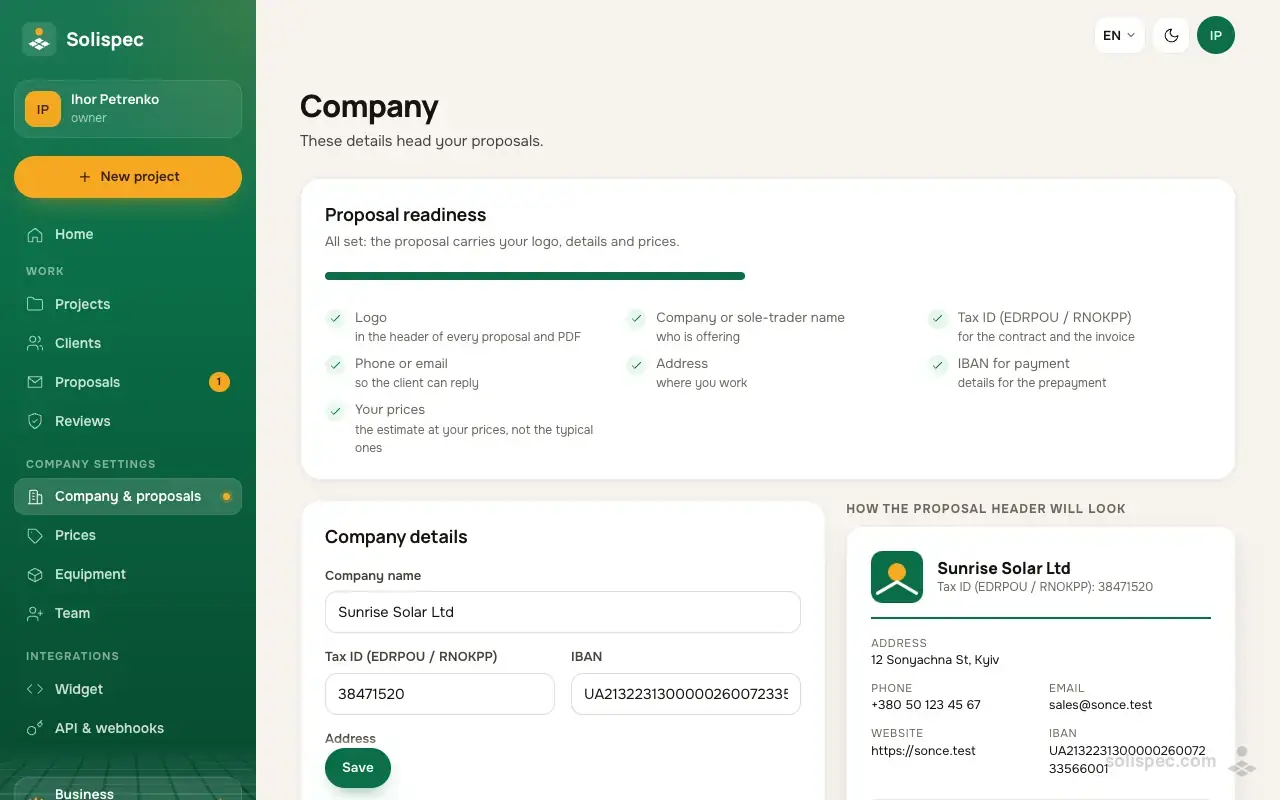
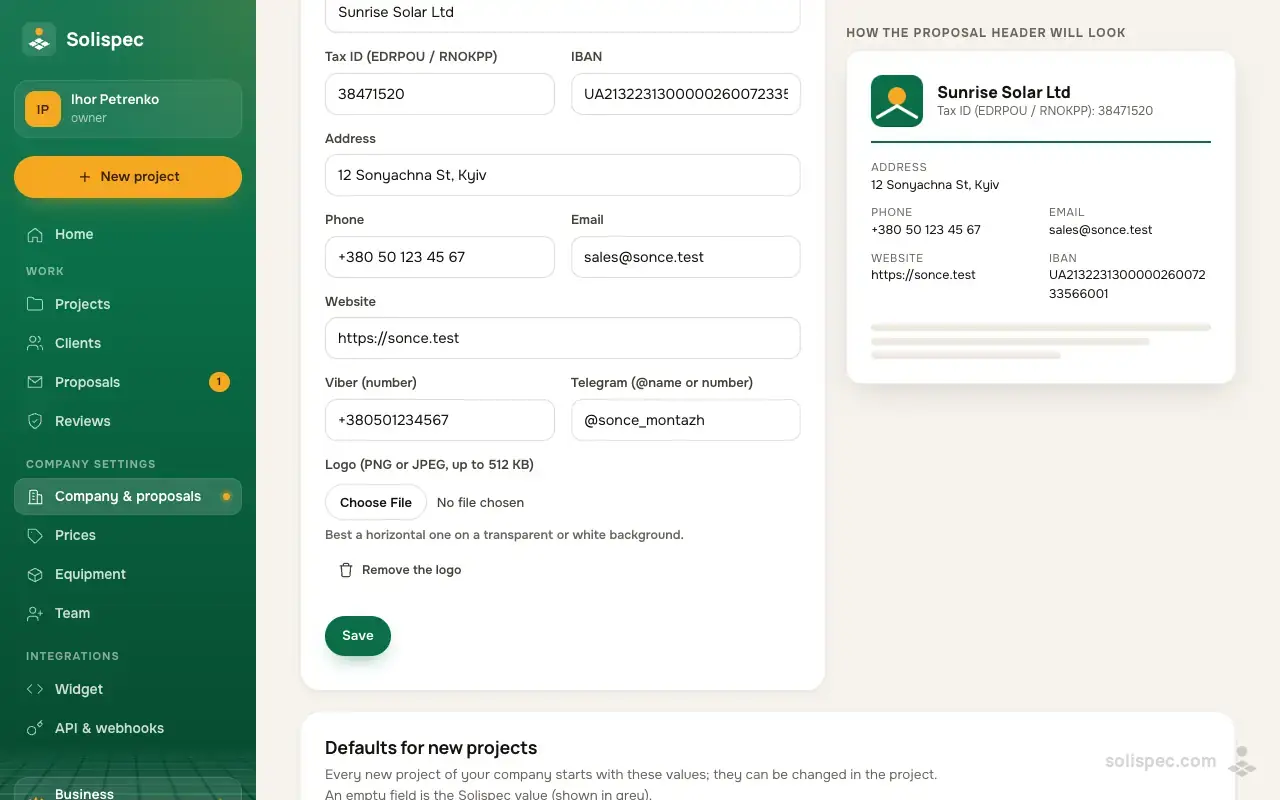
On the «Company & proposals» page you enter the company name, tax ID, IBAN, address, phone, email, website, Viber and Telegram and upload a logo (PNG or JPEG up to 512 KB). Next to the form you see how the proposal header will look, and a readiness list shows what is still missing.
How to use it
- 01
Open «Company & proposals» and fill in the details — the tax ID, IBAN and phone are checked before saving.
- 02
Upload a logo: a horizontal one on a transparent or white background works best.
- 03
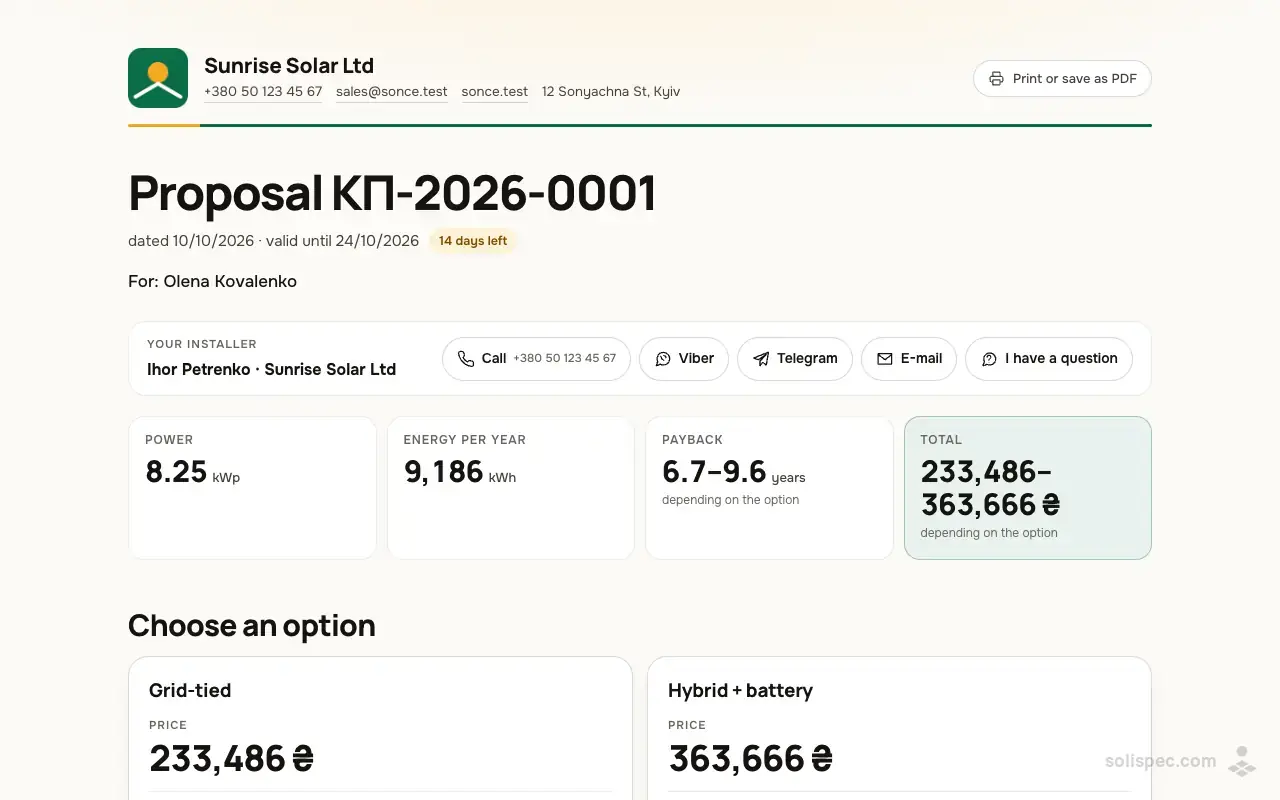
Create a proposal — the details, logo and contacts appear at the top of the client page and the PDF by themselves.
Why it matters to an installer
The client sees at once who the proposal is from and can call or message on Viber with one tap. The payment details are already in the proposal — less back and forth and more trust in a company they meet for the first time.
Start and the paid plans
On Start you can look through the company page; saving the details and logo comes with Pro (and Business and White Label). Defaults for new projects work on every plan.
| Feature | Start | Pro | Business | White Label |
|---|---|---|---|---|
| Proposals, options, optimizer | not included | included | included | included |
Ready to sell with Solispec?
Pro opens proposals, your prices and company details, unlimited projects and everything on this page. Paid monthly by card or crypto.
Related features
Proposals with options
A proposal behind a link: a grid and a hybrid option; the client picks and accepts from a phone.
Learn moreYour own prices
Your prices for steel, fasteners, equipment and labour — the estimate and proposals use them.
Learn moreClean PDF
A report without the «Solispec · Start» mark — ready to hand to the customer.
Learn more
How it is done in Solispec: Solar proposal for the client: PDF and link