In plans ProBusinessWhite Label
Clean PDF
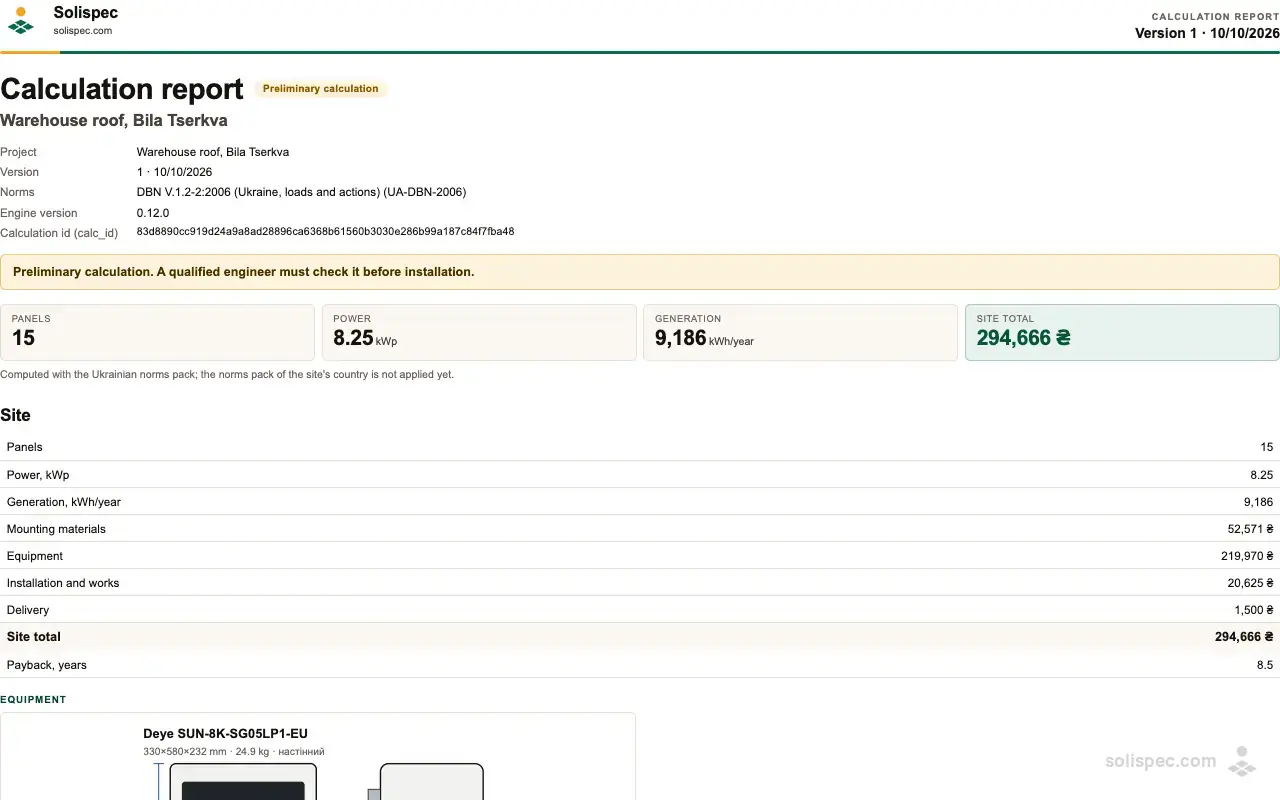
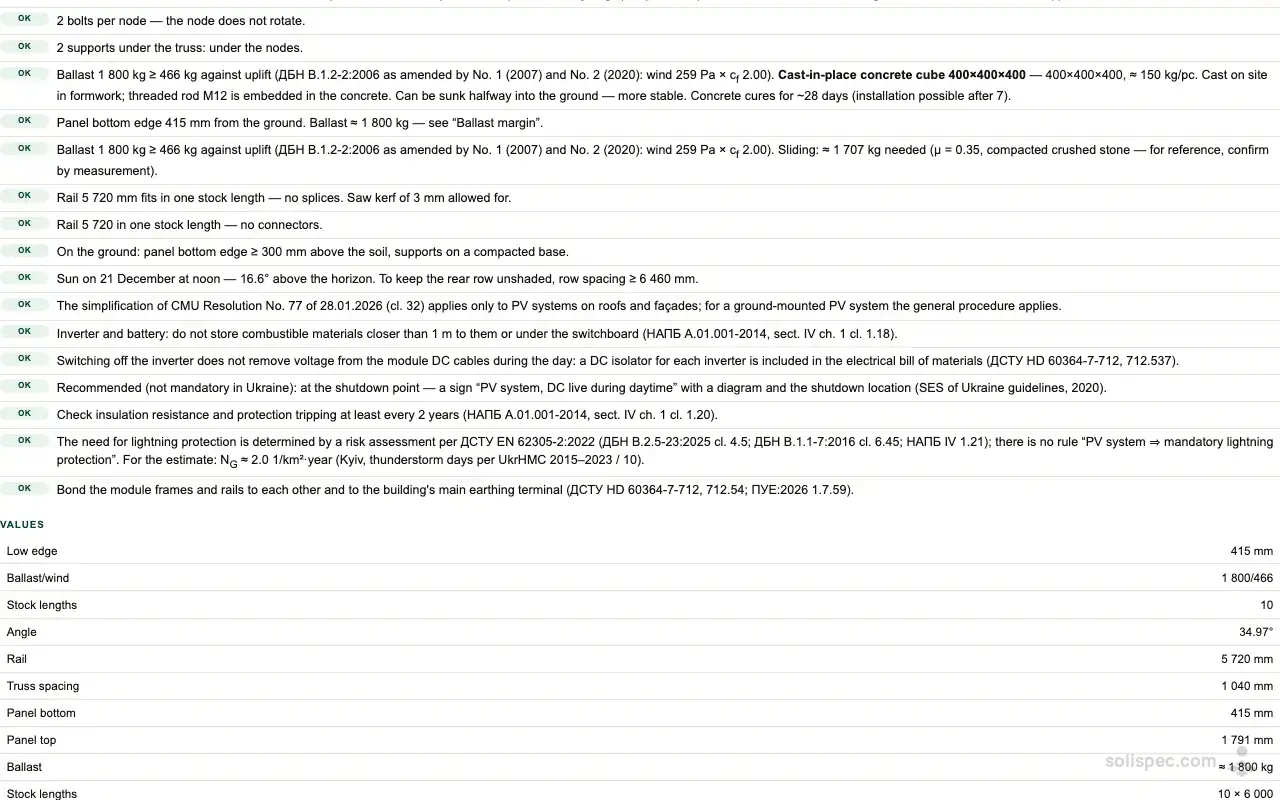
The calculation report with drawings, checks and the estimate — without a watermark, to hand to the customer, an engineer or a bank.
Ground frame designer
Design the ground frame for your solar plant
Solispec picks the profiles and posts, checks the frame against snow and wind to the DBN and prices it down to the last bolt.
What it is
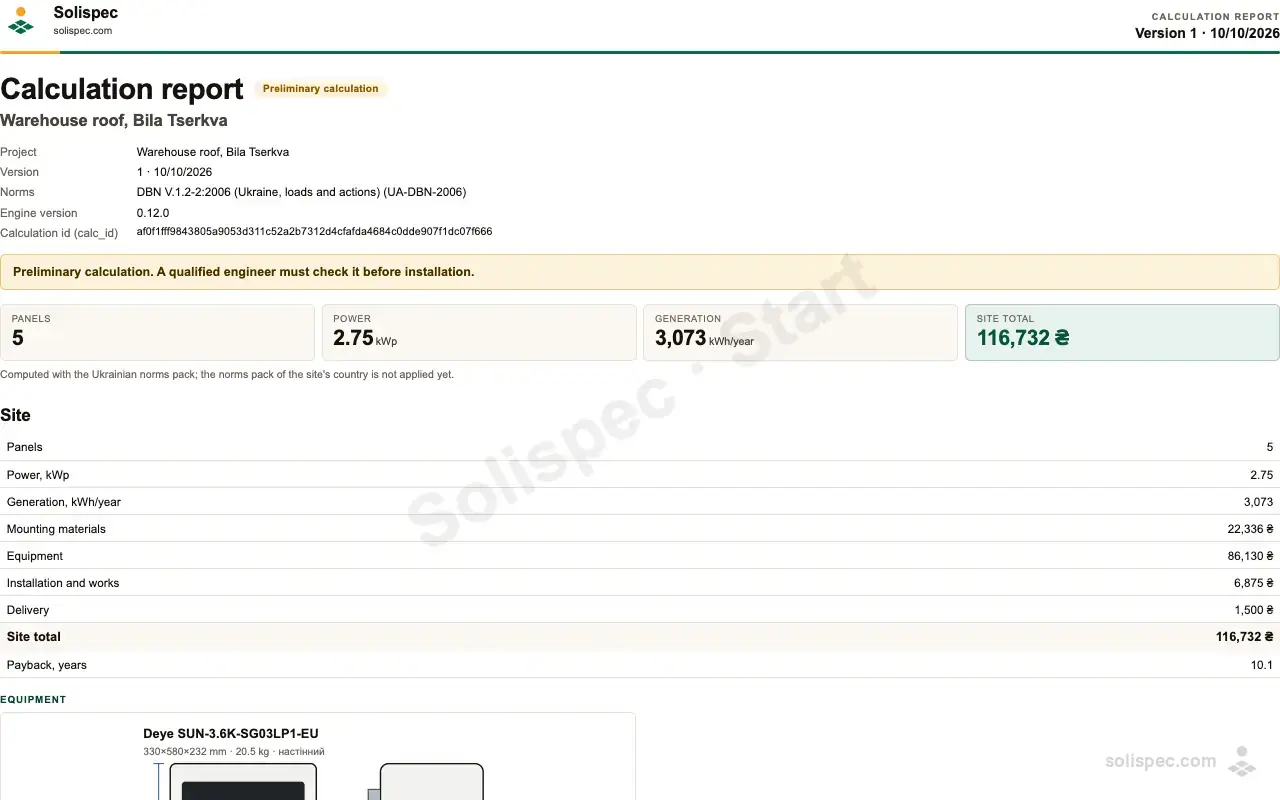
From every saved version of a project Solispec makes a report: site data, power, yield, estimate, equipment, drawings and the list of code checks. On Start the report carries a «Solispec · Start» watermark and has the basic drawings — the side view and the plan. On Pro and Business it is clean; in White Label it carries the partner’s name, colour and logo, and a version signed by an engineer gets a «Checked by engineer» block.
How to use it
- 01
Save a version of the project.
- 02
Press «PDF» in the project bar — the report of the saved version is ready for the customer.
- 03
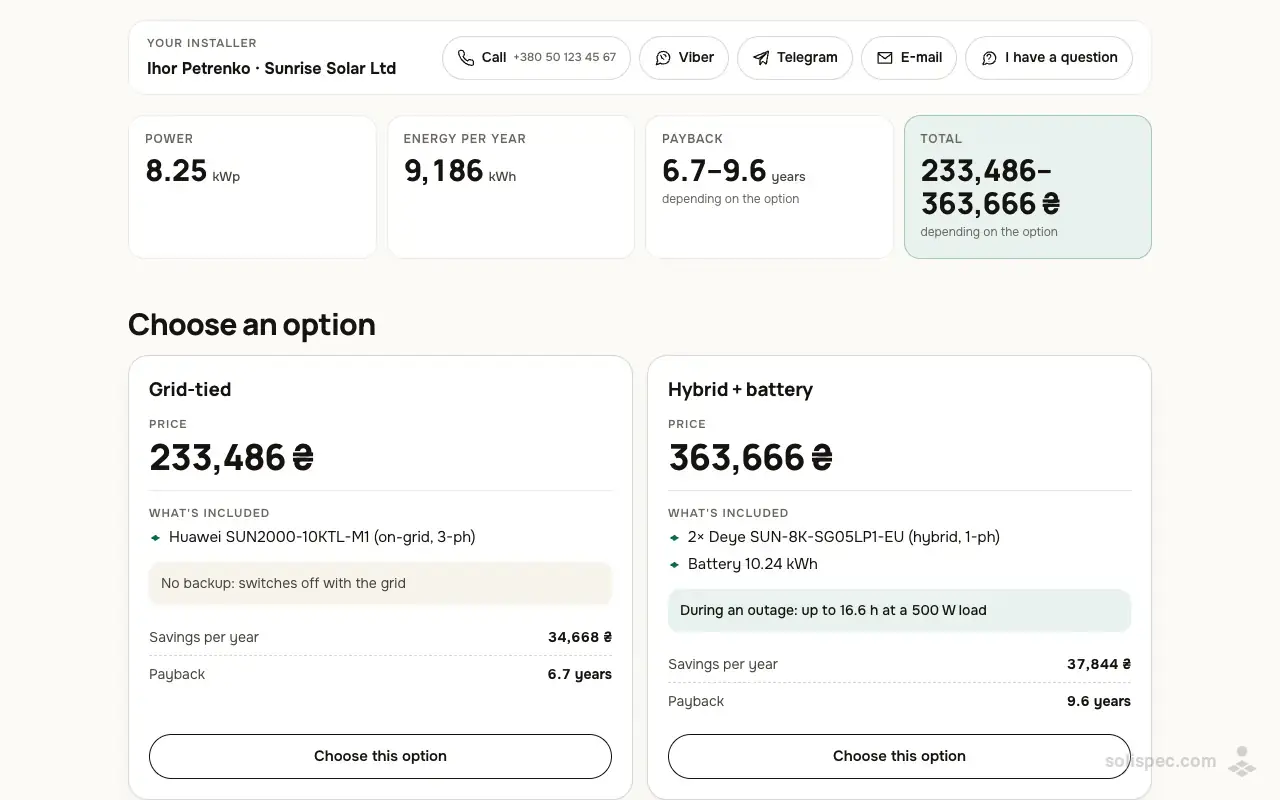
Create a proposal: the client gets a link to a page that can also be printed or saved as PDF.
Why it matters to an installer
A document with a watermark looks like a draft. A clean report with code references and drawings shows the calculation was done properly.
Start and the paid plans
Start has the PDF: with the «Solispec · Start» watermark and the basic drawings — the side view and the plan. Pro and Business have it clean, with all the drawings and the equipment drawings; White Label with the partner’s brand.
| Feature | Start | Pro | Business | White Label |
|---|---|---|---|---|
| with a watermark | clean | clean | partner's brand |
Ready to sell with Solispec?
Pro opens proposals, your prices and company details, unlimited projects and everything on this page. Paid monthly by card or crypto.
Related features
Your company on the proposal
Name, tax ID, IBAN, contacts and logo at the top of every proposal and PDF.
Learn moreEngineer review and sign-off
A project version goes to an engineer for review; their signature with licence number goes into the report and PDF.
Learn moreProposals with options
A proposal behind a link: a grid and a hybrid option; the client picks and accepts from a phone.
Learn more
How it is done in Solispec: Ground frame design for solar: the truss to the DBN